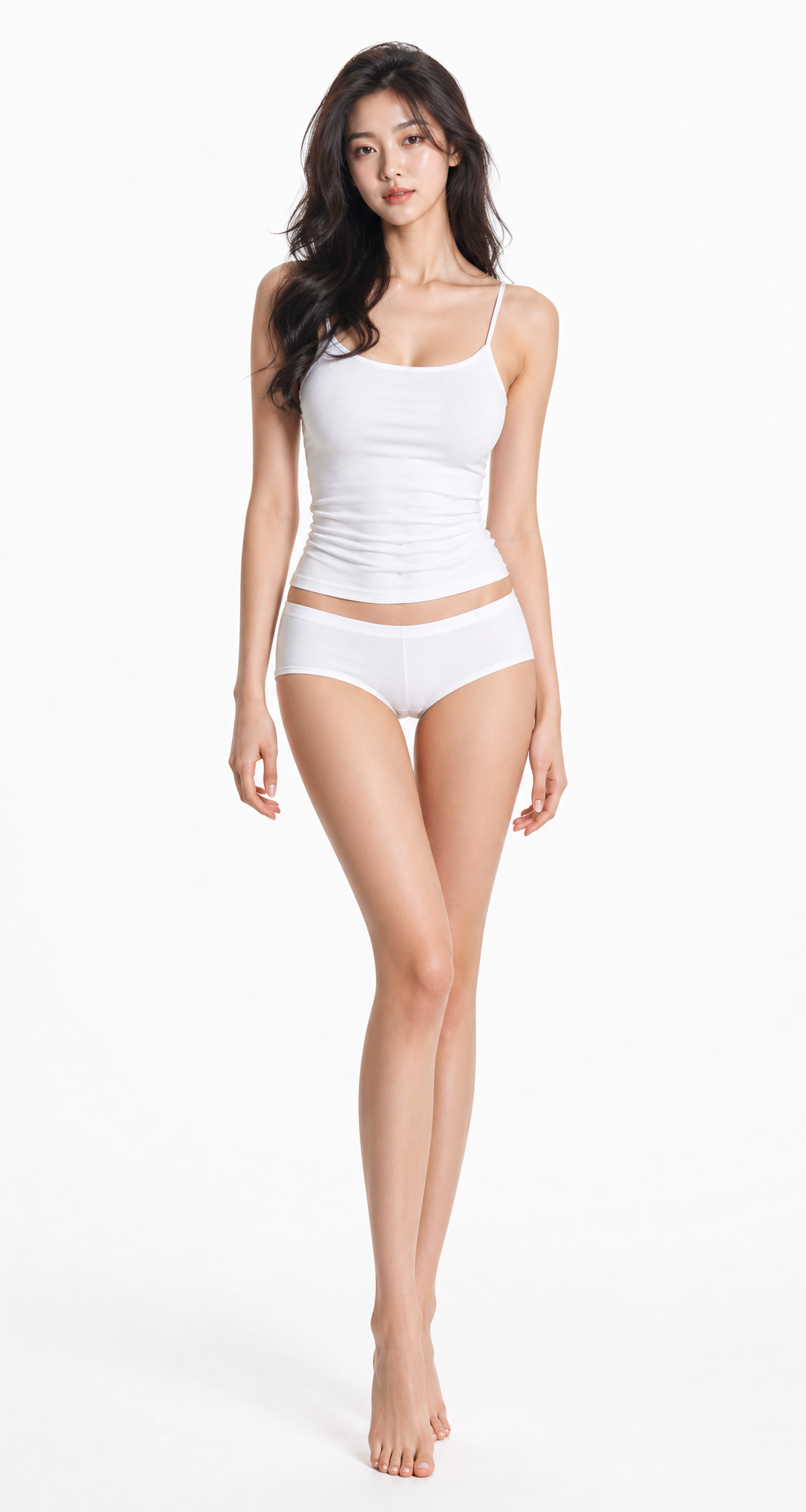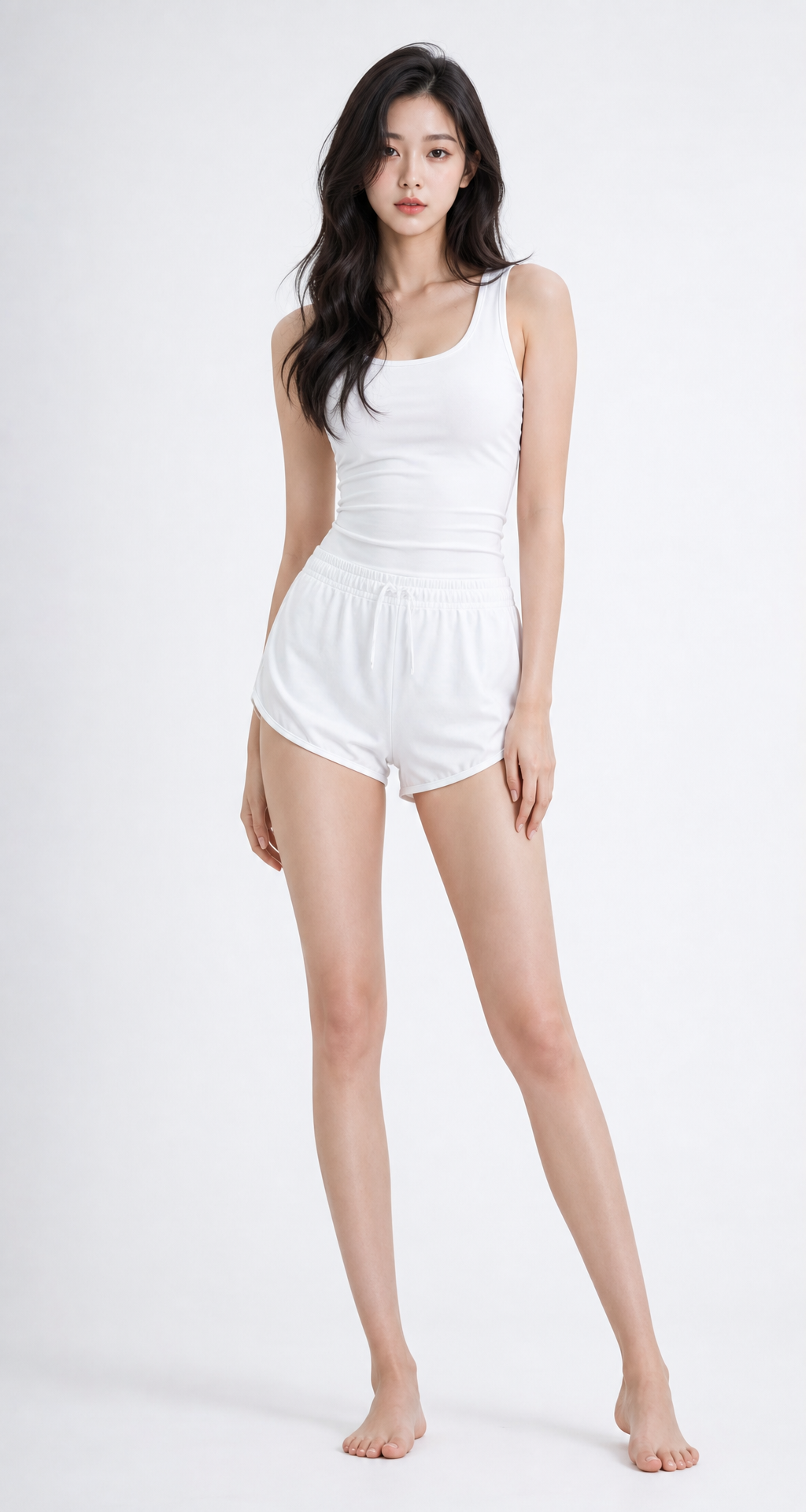
Saved editorial cuts no longer end at "reference." Model Poses is the newest app in Abocado AI's Fashion AI — it moves a real model photo's pose onto your own photo. One photo of you, one model photo carrying the pose — two uploads, and the stance comes over. Your face, build, and the clothes you're wearing stay exactly as they are; only the pose transfers.
What's New
You make one choice: how much comes over.
Pose only — the stance alone. Everything down to the background stays your photo.
Pose + supports — the stance plus whatever it leans on (chair, wall, railing). The surroundings are still yours.
Pose + background — the model's whole scene, location and lighting included. What stays yours: face and outfit.
There are no prompts. The referenced model never appears in the result — the photo is read for stance only — and if your hand holds a cup or a bag, that hand keeps its item while the rest of the body follows the pose.
Who It Helps
Online sellers producing outfit cuts at volume, creators building a consistent feed, and anyone who wants to recreate a magazine pose as-is — no studio, no pose coaching, any editorial stance ready to use.
How It Differs From Templates
Picking from a fixed pose list means the list is the ceiling. Model Poses sources from any real photo, so there is none — editorials, lookbooks, street shots alike. Dress the look with Model TryOn, then vary the stance cut by cut with Model Poses, and a full editorial set comes together without a shoot.
Where to Find It
Create page, Fashion AI tab → Model Poses. Upload your photo + the pose model photo → pick a Pose Type (3 modes) → generate. The ratio auto-follows your photo's framing.
FAQ
Does the person in the model photo show up in the result?
No. The model photo is read for stance only — no face, clothes, or skin comes over. The person in the result is always you.
Do I need to describe the pose in words?
No. There is no text input for poses at all. Upload a photo carrying the pose you want and the app reads it directly — for professional poses, a photo is more precise than words.
Which of the three modes should I start with?
The smallest one that fits. Keep your background → pose only; a seated or leaning stance → pose + supports; the model's whole scene → pose + background.
The Deeper Story
From the principle of keeping identity and pose on two separate axes, to choosing between the three modes and hands-on tips — covered in two deep-dives.
Model Poses Intro — Three Modes and How They Work
Why only the pose moves while you stay you — the two-axis principle, with example cuts
Model Poses Guide — Choosing a Mode, Plus Hands-On Tips
Step-by-step usage, when to pick which mode, and the unlimited-editorial workflow